Allot time to an agenda item
Overview
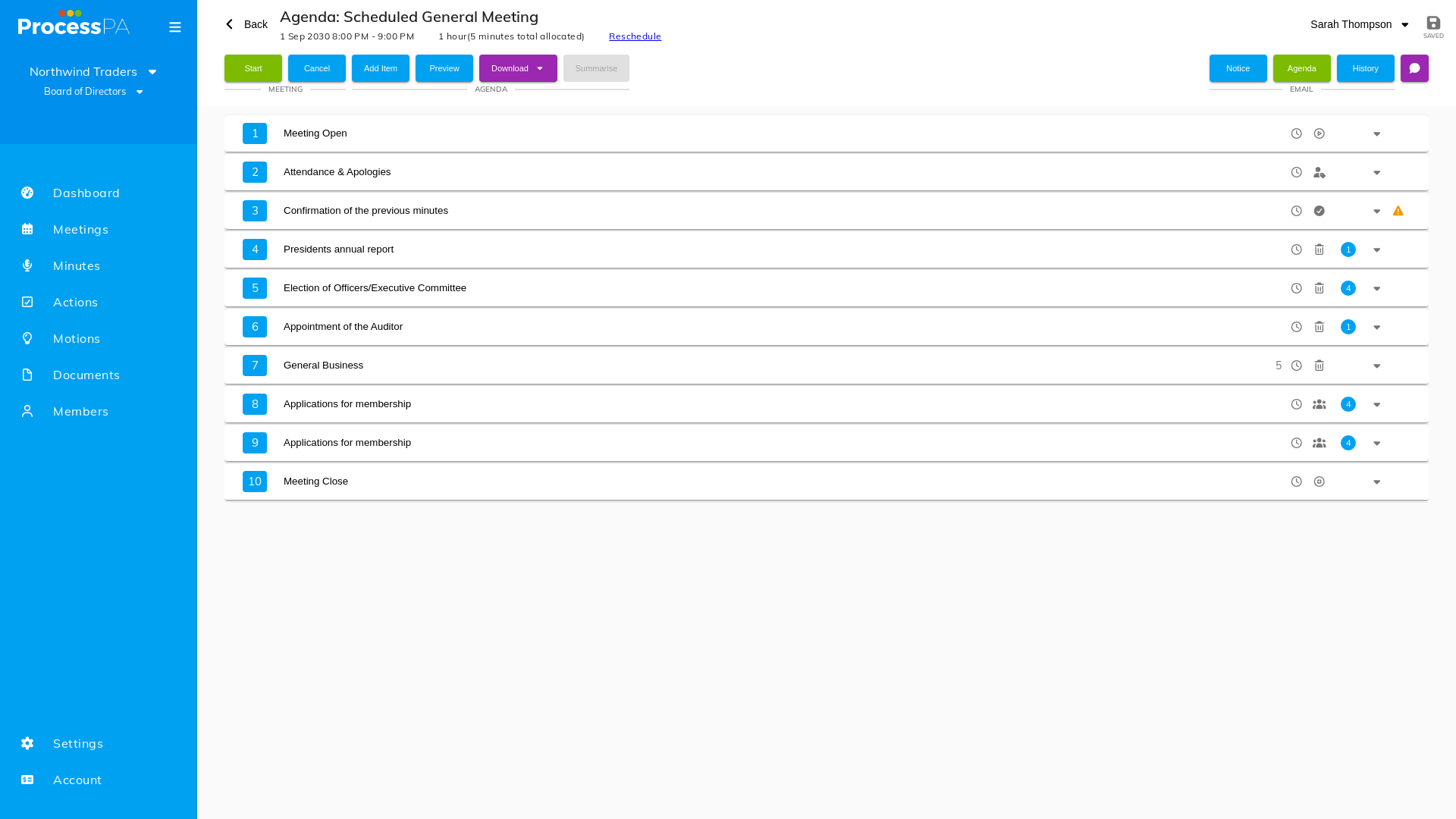
Allotting time to agenda items helps your meetings finish on schedule. By giving each item an amount of time, everyone can see how long is set aside for a topic and the meeting keeps moving.
Step-by-Step Guide
- Open the meeting and select the agenda item.
- Set the amount of time you want to allot to it.
- Save. The allotted time is shown against the item on the agenda.
Tips
- Allot time while preparing the agenda so members know what to expect before the meeting starts.
- Use the running meeting timer alongside allotted times to stay on track — pause the meeting if you need a genuine break so the timing stays accurate.
Related
Video
Page Details
Updated on July 16th, 2026