View the email history
Overview
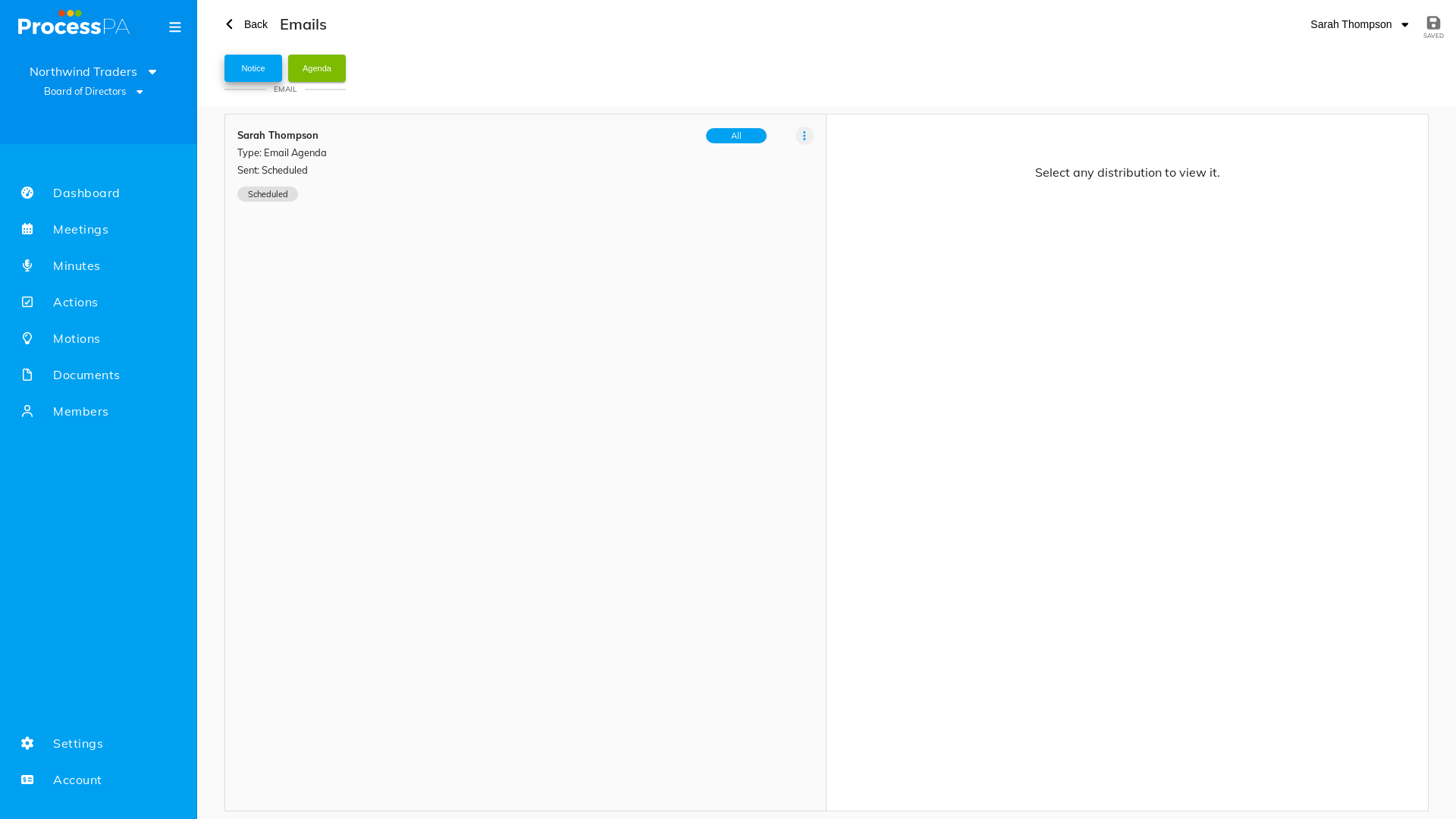
Every email you send from a meeting — attendance requests, agendas and minutes — is recorded in that meeting’s email history. This gives you a clear audit trail of who was sent what, and when.
Step-by-Step Guide
1. Open the email history
- Open the meeting.
- Go to its email history. Sent distributions are listed here.
2. View a distribution’s detail
- Select any entry in the history to see its detail — the recipients and the content that was sent.
3. Navigate back
- From the history you can move to the send page to distribute again, and return to the meeting when you’re done.
Good to know
- After sending an attendance request, agenda or minutes, Process PA takes you to the email history so you can confirm it went out.
- The history makes it easy to see whether an agenda has already been sent before you send it again.
Related
Video
Page Details
Updated on July 16th, 2026