Copy a meeting template
Overview
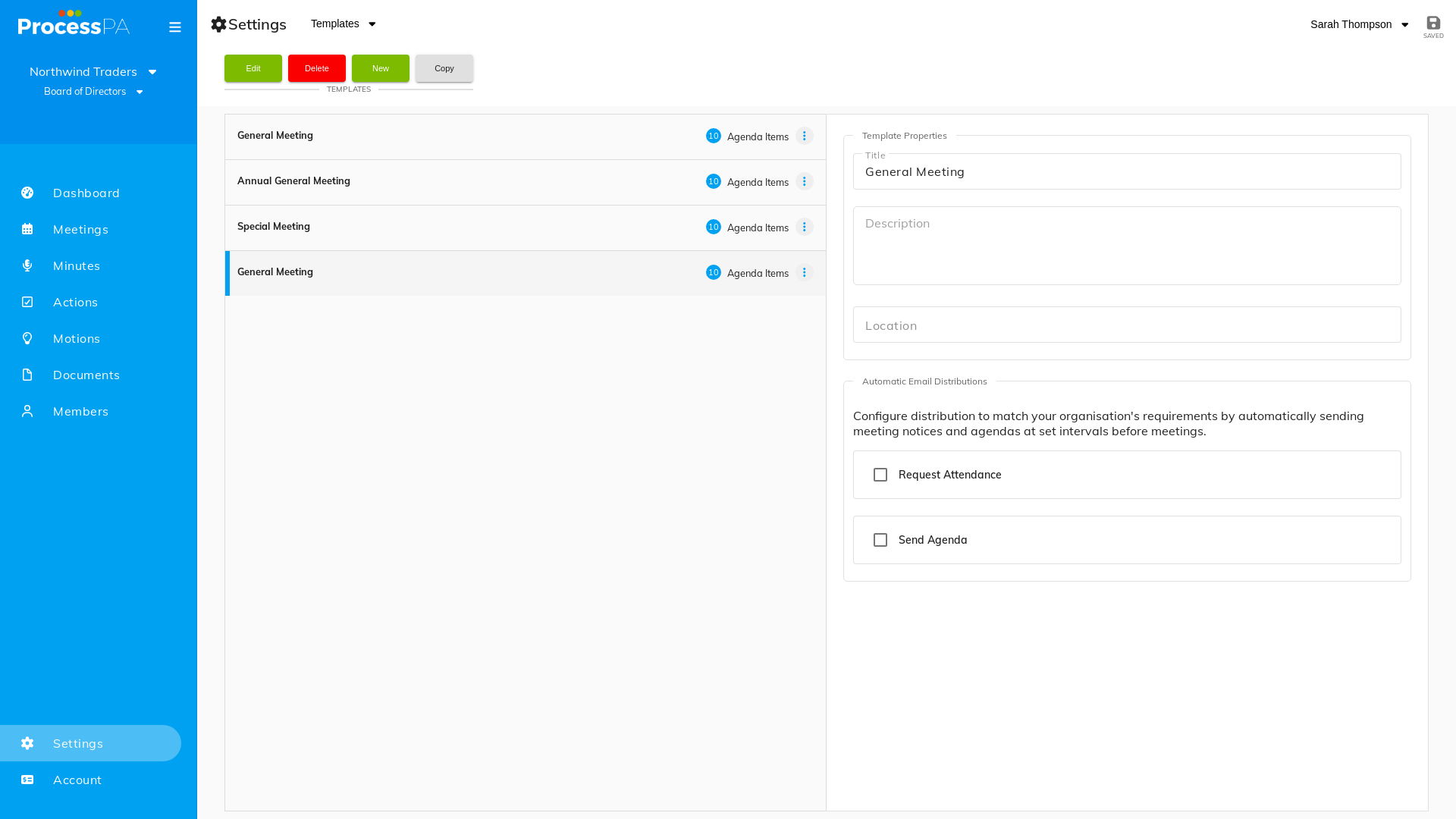
Agenda templates give every meeting a consistent structure. If you’ve built a template that works well, you can copy it to reuse that structure — for example, as the starting point for another meeting type.
Step-by-Step Guide
- Open Settings from the menu bar.
- Go to the agenda template area.
- Choose to copy an existing template.
- Adjust the copy as needed — rearrange items, add standard motions or actions — and save.
Good to know
- Templates can include standard motions and actions that are generated for every meeting made from them.
- You can maintain separate templates for General, Annual and Special meetings.
Related
Video
Page Details
Updated on July 16th, 2026