Track action items
Overview
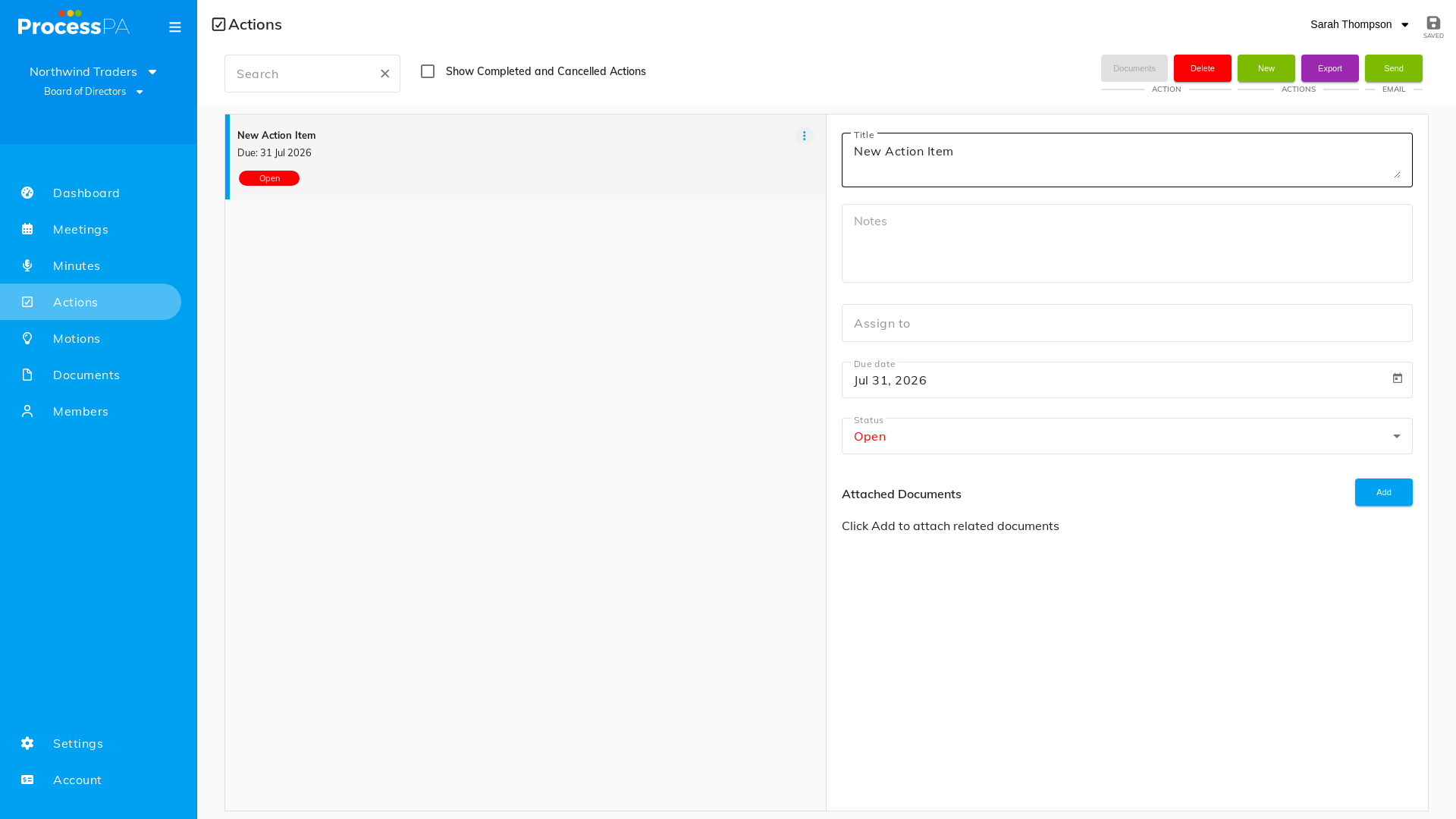
The Actions page lists every action item across your committee so nothing slips between meetings. You can review outstanding tasks and create a new action from here.
Step-by-Step Guide
1. Open the Actions page
- From the menu bar, select Actions.
- Your action items are listed.
2. Create a new action
- Choose to add a new action.
- Enter the detail — what needs doing and who owns it — and save.
3. Carry actions forward
- Outstanding items from previous meetings automatically appear as business arising on the next agenda, so they stay visible until they’re done. See Confirm minutes and business arising.
Good to know
- Action items can also be added directly against an agenda item while preparing or running a meeting. See Add action items and motions.
Video
Page Details
Updated on July 16th, 2026