View motions
Overview
The Motions page gathers every motion raised across your committee’s meetings in one place, so you can find a decision without hunting through individual minutes.
Step-by-Step Guide
1. Open the Motions page
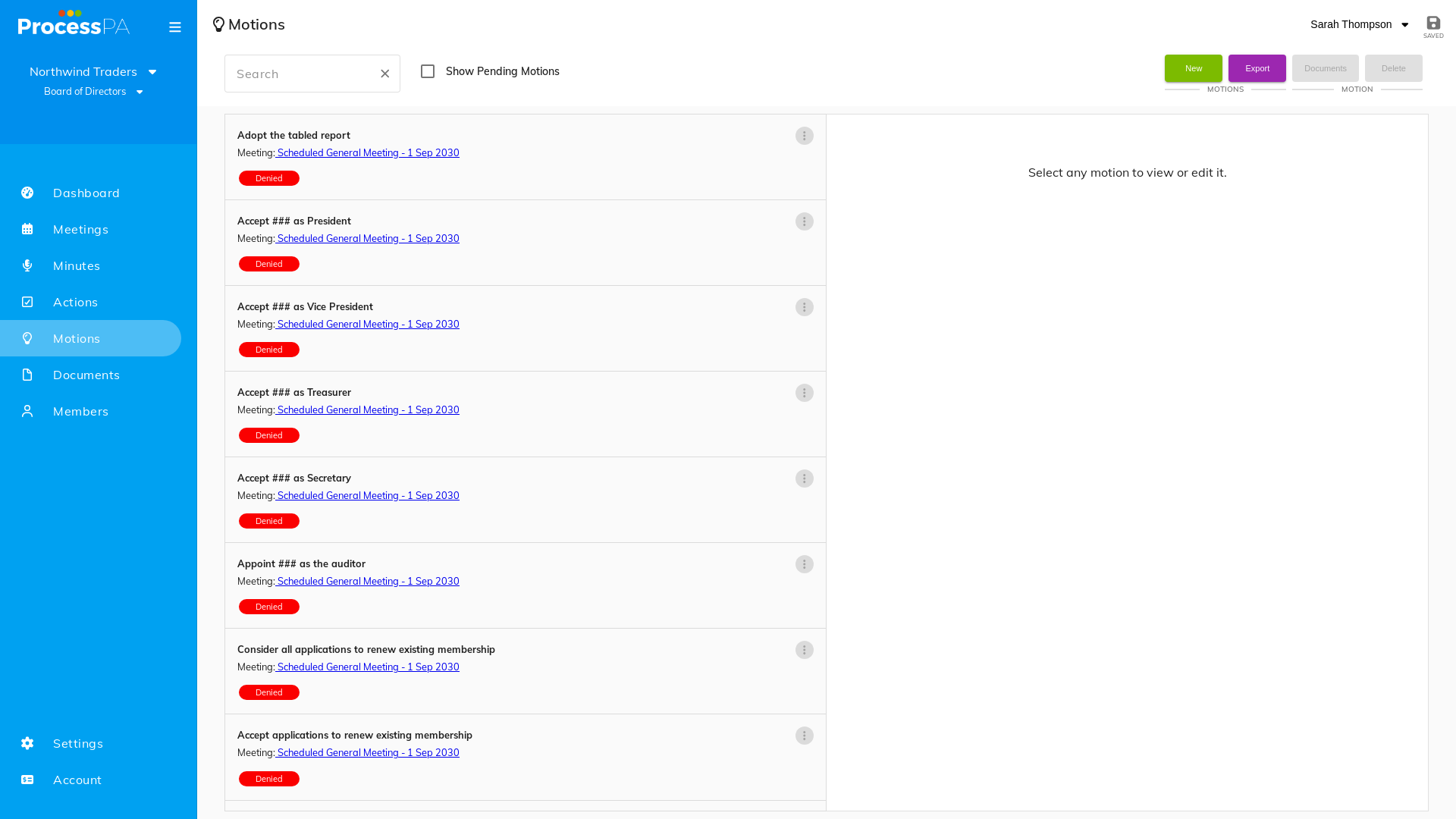
- From the menu bar, select Motions.
- A list of motions is displayed.
2. Open a motion
- Select a motion to see its full detail — the wording, who moved and seconded it, and the outcome.
Good to know
- Motions are created against agenda items while you prepare or run a meeting. See Add action items and motions.
- Standard motions can be built into your agenda template so they’re generated for every meeting.
Video
Page Details
Updated on July 16th, 2026