Organise documents with folders
Overview
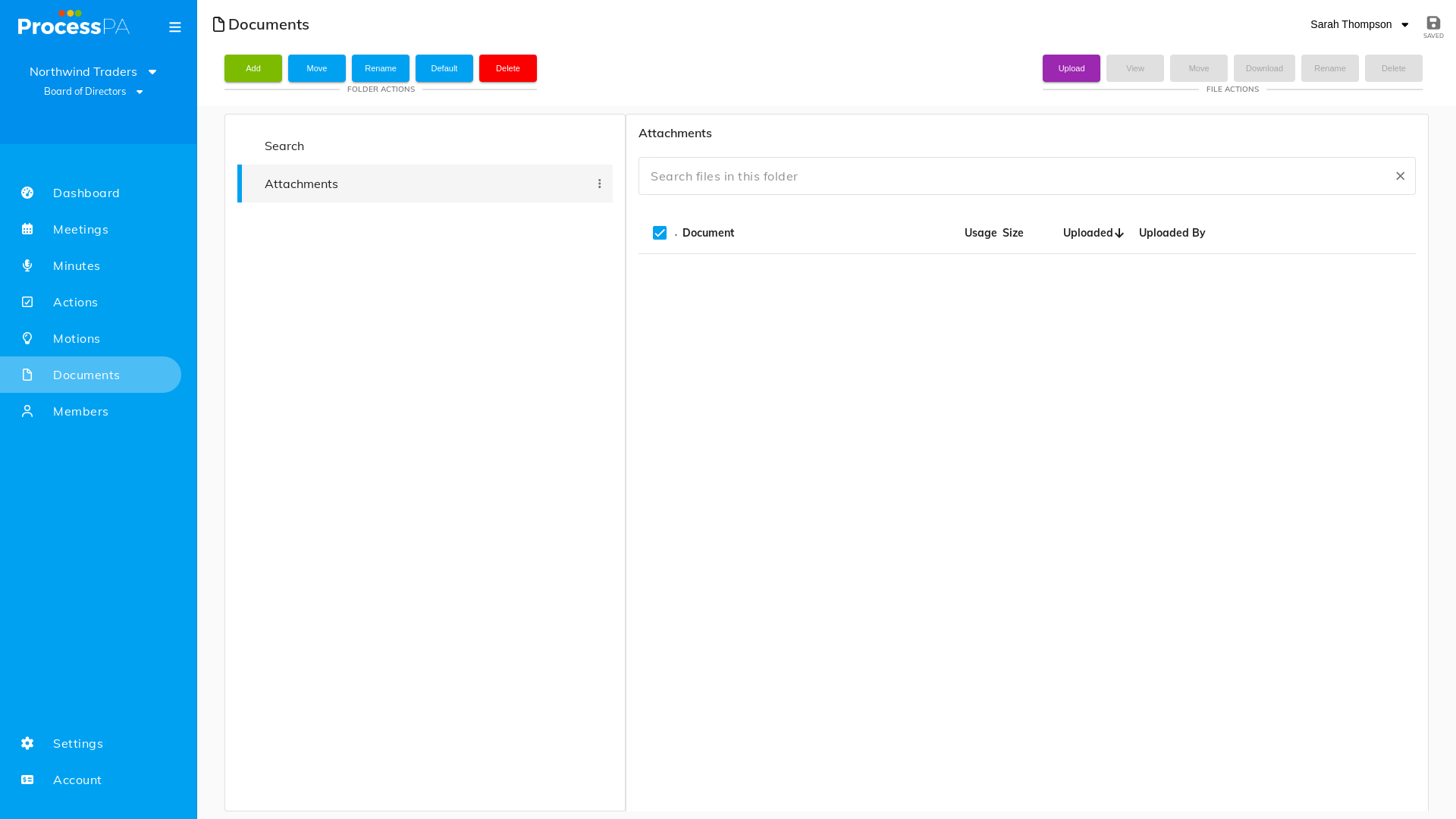
Folders keep your committee’s documents easy to find. Process PA supports a nested hierarchy — root folders, second-level folders inside them, and third-level folders inside those — so you can mirror the way your committee already organises its paperwork.
The folder hierarchy
- Root folders — top-level folders in your document library.
- Second-level folders — created inside a root folder.
- Third-level folders — created inside a second-level folder.
You can build the structure as deep as three levels, and files can live at any level.
Create a folder
A root folder
- Open the Documents page for your committee.
- Create a new folder at the top level and give it a name.
A second- or third-level folder
- Open the parent folder.
- Create a new folder inside it.
- Repeat to add a third level within a second-level folder.
Working with files in folders
Once your structure is in place you can:
- Upload a file or multiple files into any folder.
- Move a file between folders to reorganise.
- Set a default folder — root or nested — so new documents land where you expect.
Tips
- Plan a simple, shallow structure first; you can always add depth later.
- Set the folder you use most as the default to save clicks.
Video
Page Details
Updated on July 16th, 2026