Add action items and motions
Overview
Action items and motions are the heart of good minutes. In Process PA you add them directly against an agenda item, so every decision and task is captured in context as the meeting runs.
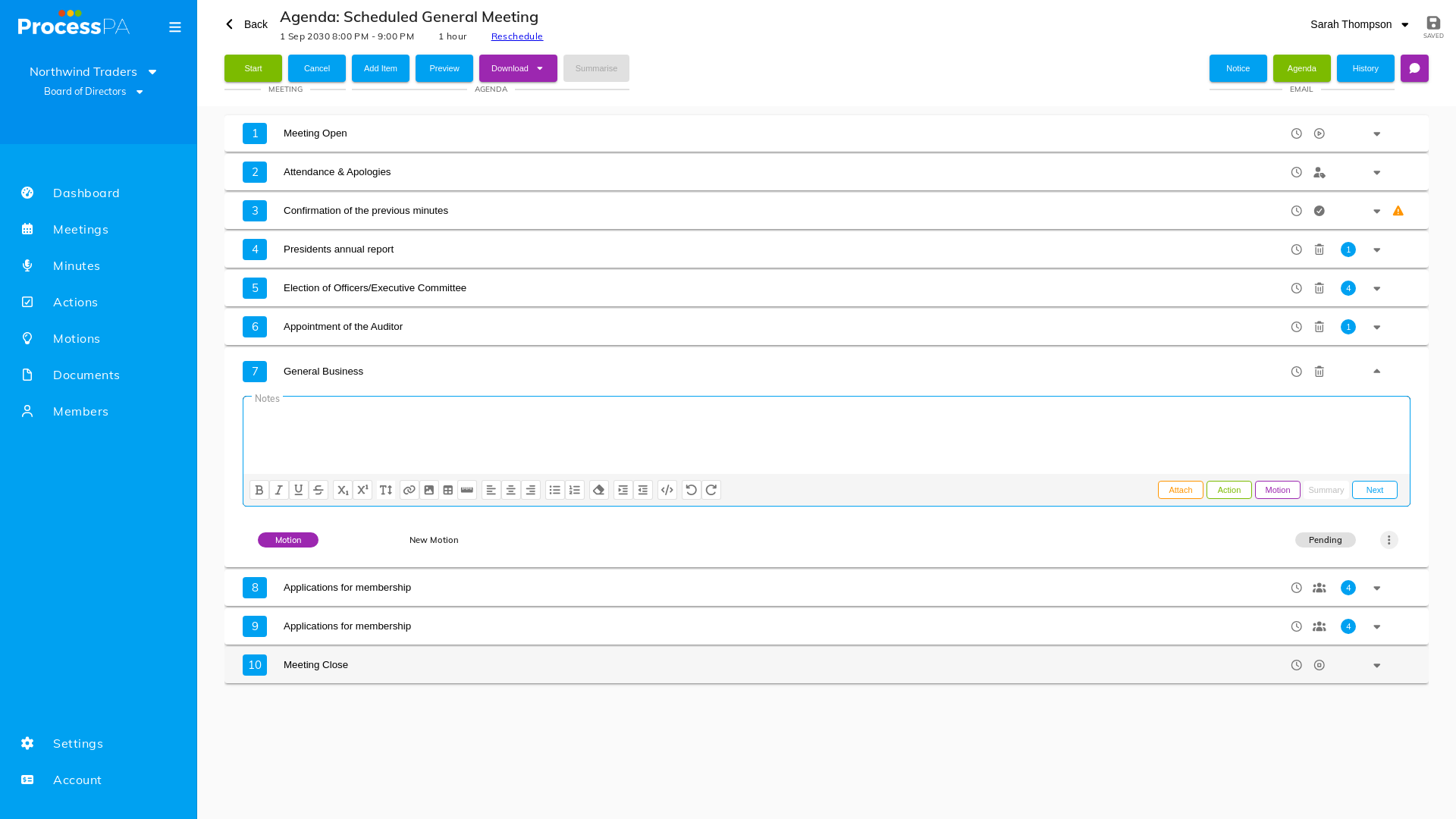
Add a motion to an agenda item
- Open the meeting and select the relevant agenda item.
- Choose to add a motion.
- Enter the motion’s wording, and record who moved and seconded it along with the outcome.
- Save. The motion now appears against that agenda item and on the Motions page.
Delete a motion
- Open the motion on the agenda item.
- Choose delete and confirm when prompted.
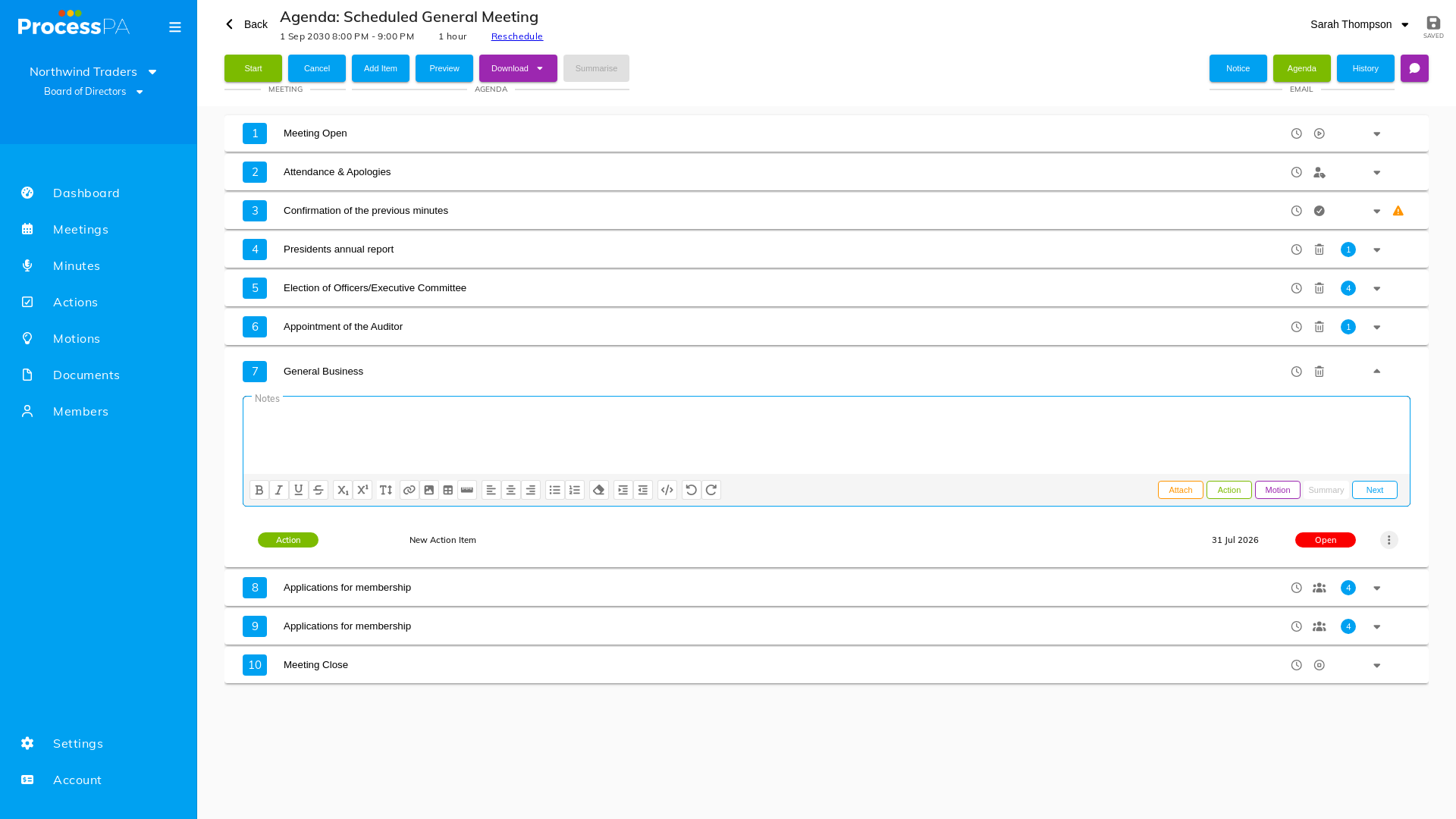
Add an action item to an agenda item
- Select the agenda item.
- Choose to add an action item.
- Describe what needs doing and who owns it, then save. It appears here and on the Actions page.
Delete an action item
- Open the action item.
- Select delete. A prompt asks you to confirm your choice.
Good to know
- Standard motions and actions can be built into your agenda template so they’re generated for every meeting.
- Outstanding action items carry over automatically as business arising on the next agenda.
Video
Video
Page Details
Updated on July 16th, 2026