Add or remove a role
Overview
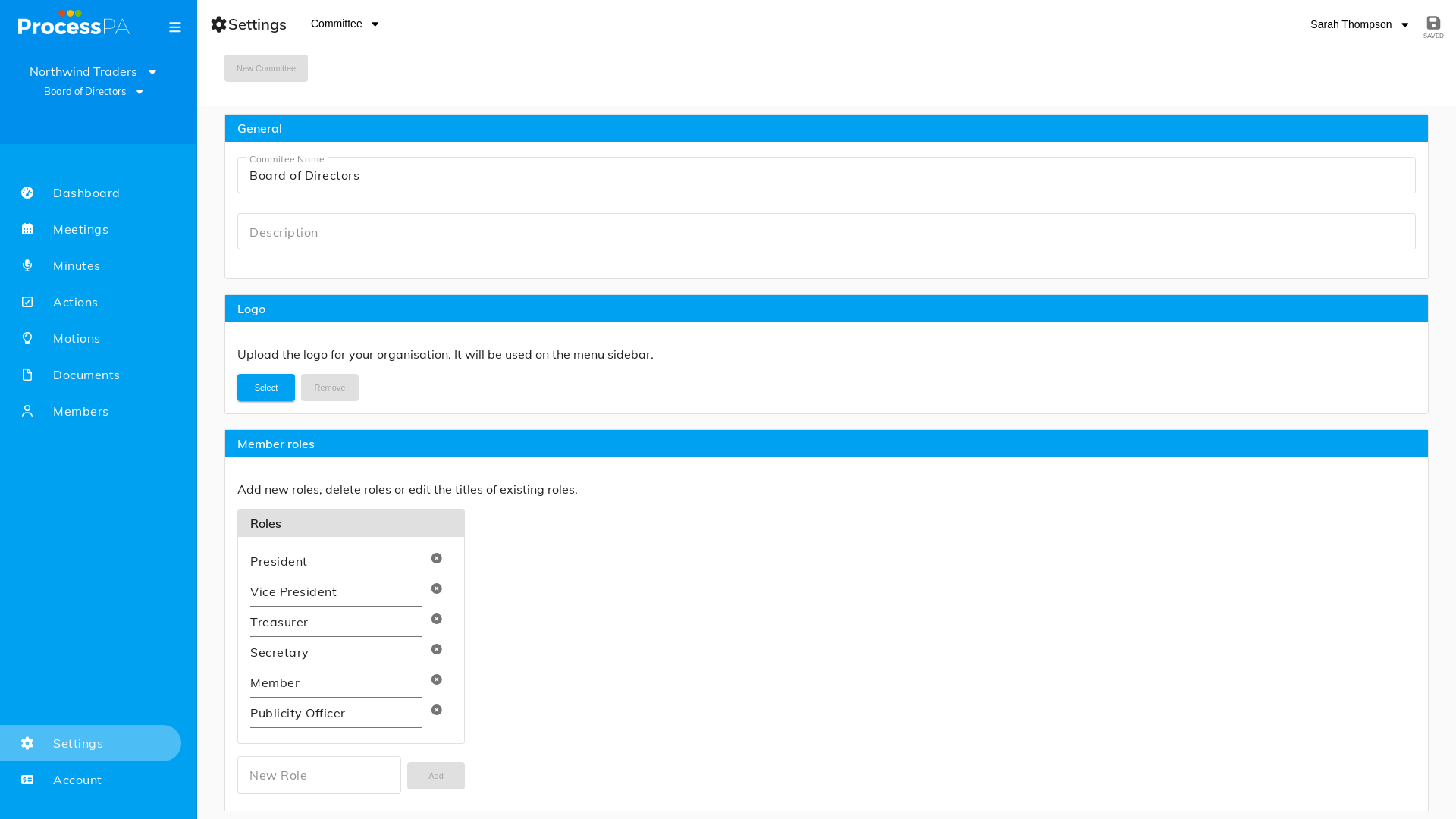
Committee roles describe the positions your members hold — President, Treasurer, Secretary and so on. Process PA comes with the common ones, and you can add or remove roles so the list matches your organisation, including executives who aren’t directors.
Add a role
- Open Settings and go to Edit Roles.
- Add a new role and give it a name.
- Save. The role is now available to assign to members.
Remove a role
- Open Settings and go to Edit Roles.
- Remove the role you no longer need.
- Save.
Assigning a role to a member
Once a role exists, set it against a member from the Members register — a member has both a role and an access level.
Related
Video
Page Details
Updated on July 16th, 2026